
-
 CONSTRUCTION DOCUMENTATION SOFTWARE
Advanced AI Video Analytics Anytime,
Anywhere with Control CenterIntroducing EarthCam’s all new Control Center 9 SaaS platform,
the next evolution in AI analytics for jobsite intelligence.
Control Center
Control Center
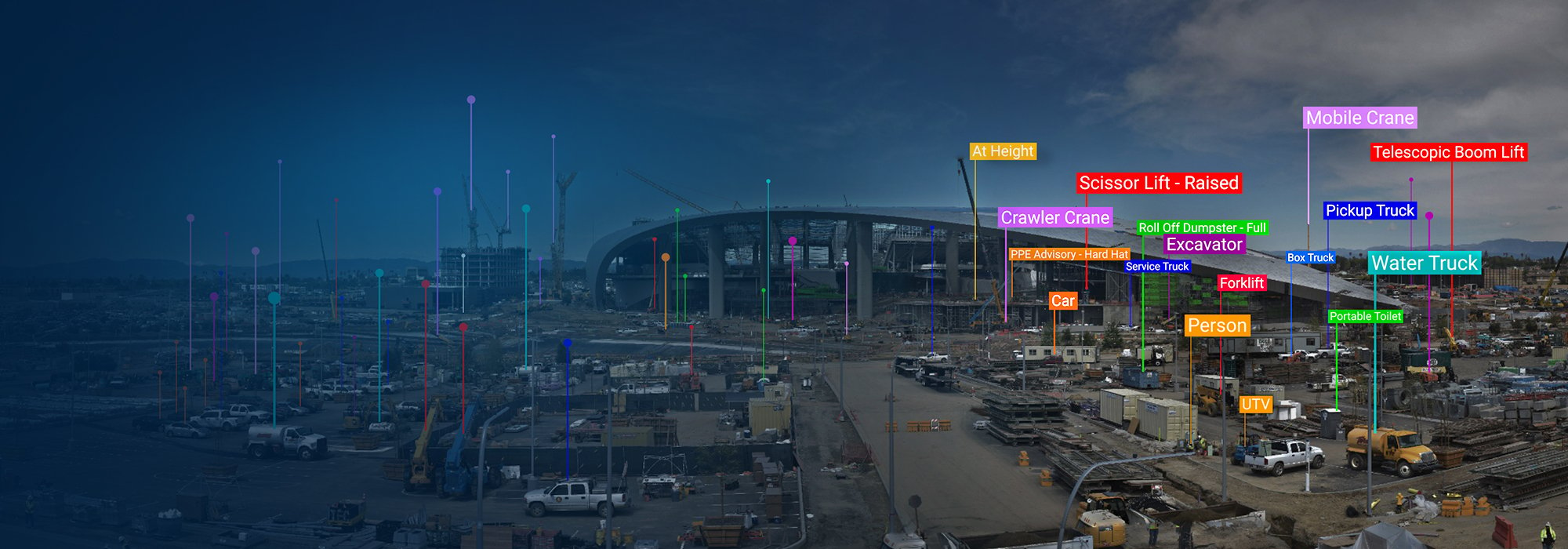
EarthCam understands that real-time insights are crucial to the success of any construction build. Through its latest advancements in AI video analytics, Control Center 9 provides a 360° view of your jobsite while monitoring 86 different equipment types, construction materials, and their status. And with EarthCam Jobsite Health, project managers can keep an eye on project readiness, activity, and stress.


Live Streaming Video
 Live Streaming Video
Control multiple construction cameras and live-stream ultra-high quality 4K video. Pan, tilt, and zoom in real time to see extreme detail, using fast, responsive controls from mobile or desktop.
 Security Services and Recording
Deter theft, eliminate false alarms and reduce costs utilizing AI object recognition. Automatically share incidents with security response personnel to keep your jobsite secure during non-construction hours. Record an entire project using Edge Video Recording (EVR) to capture continuous HD video for more than a year.
AI Detections and Alerts

 AI Detections and Alerts
This new AI feature allows users to create customizable, scheduled alerts on over 85 construction site objects. Connect your project schedule with EarthCam live streams and AI analytics. Use AI Schedule Intelligence to analyze camera imagery and automatically confirm whether planned work is tracking on time.

 Comprehensive Visual Intelligence
The completely redesigned Control Center 9 AI Media Dashboard provides easy access and visibility into jobsite trends and insights from EarthCam’s advanced AI. Display real-time status updates, such as material analysis, PPE advisories or notifications when workers are at height. Easily find video of specific events or interactions with Natural Language Search.
 World's First AI Material Analysis
The first service ever to combine real-time jobsite cameras with a specialized AI to identify, highlight, and indicate the spatial configuration of materials within the environment. Materials are annotated, and work-in-place verification is automatically added to project management dashboards.
Multi-layer Panorama - See Every Detail
 Multi-layer Panorama - See Every Detail
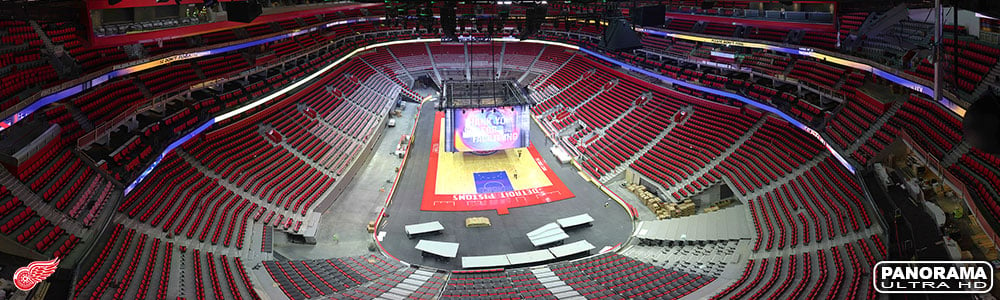
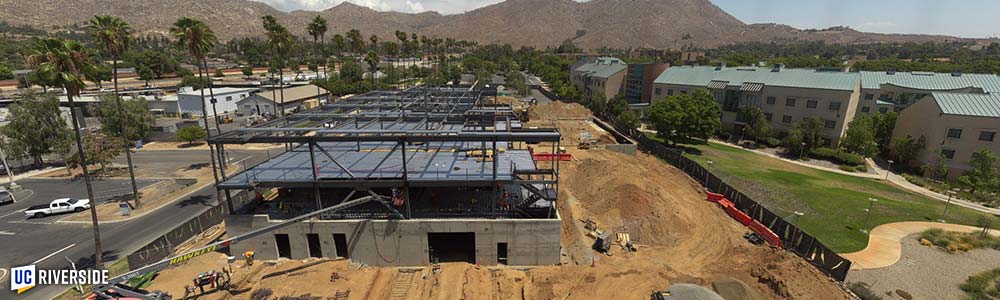
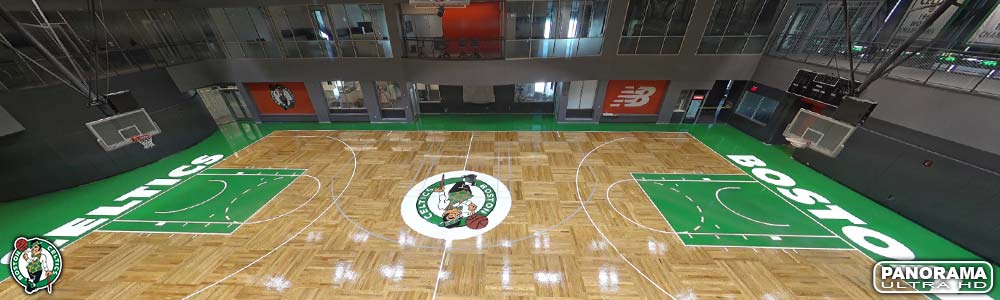
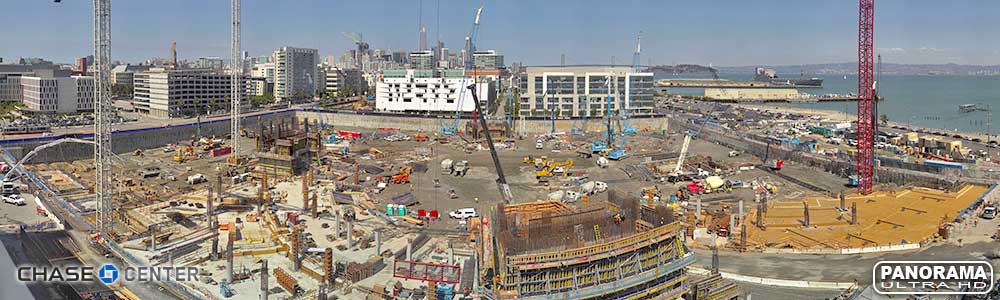
Combine greater jobsite visibility with amazing high-resolution imagery for marketing and content creation. Use EarthCam’s patented multi-layer panoramas to view and share your project in incredible detail – up to the industry's highest 120 billion pixel resolution.
See the highest resolution image ever taken of New York City


 EarthCam Pano VI
EarthCam's Panoramic Visual Intelligence automatically creates a 360° visual audit of the entire jobsite with a single camera. Advanced AI algorithms generate accurate object counts, and provide a continuous, comprehensive overview of jobsite activity with panoramic images and metadata.
EarthCam Jobsite Health
 EarthCam Jobsite Health
Jobsite Health reports key data points derived from visual information generated hourly throughout the project, presenting them in a concise dashboard as Readiness, Activity and Stress, similar to a smartwatch report on individual biometrics.
 AI-powered Time-lapse Production
Generate professional-grade time-lapse videos in seconds. AI-assisted tools let you create polished, shareable content in high resolution.
Share, Save and Automate Updates

 Share, Save and Automate Updates
Keep your finger on the pulse of projects with automatic daily or weekly delivery of high-quality archive images, time-lapse movies, and Ultra 4K panoramas. Grab snapshots from your live stream to reveal and fix a safety risk. Presentation-ready PDFs are just a click away.
 Project Management Integration
Validate jobsite conditions and verify work in place with imagery from EarthCam's high-quality webcams and 360° reality capture. From your mobile or office, send actionable visual data to project management platforms such as Procore, Autodesk Build, CMiC and more.
See EarthCam's Partner Integrations.




Content Marketing and Public Relations

 Content Marketing and Public Relations
Embed a live dashboard of video imagery or time-lapse into your public website. Choose from dozens of templates and add your company logo, project rendering or YouTube videos. Maximize your reach with free expertise from EarthCam’s marketing team. Promote and share project progress and milestones on social media.
Intelligence. Insight. Technology.
Advanced features for project documentation, site security, and worker safety.

 Monitor Status and Performance
Instantly access vital data about your camera system, solar analytics, EVR, network speed, and battery monitoring. See live feedback to optimize solar panel positioning.

 Secure Cloud Storage and SSO
Safeguard all your jobsite data with encrypted cloud storage. Manage user access effortlessly with expanded SSO capabilities and role-based permissions.

 Track Environmental Conditions
Stay ahead of delays with real-time weather updates and historical tracking. Monitor conditions like wind speed and temperature to optimize site safety and efficiency.

 Markup and Annotate Photos
Enhance collaboration with intuitive and advanced annotation tools. Mark up images, add notes, and share insights directly within the platform.

 Compare Jobsite Images
The image comparison tool provides a customized, virtual "x-ray" of a job in progress. Navigate the timeline to view superimposed images of each section - hours or months apart.

 Download all your Project Files
Your exclusive package containing all of your end-of-project deliverables including your time-lapse, project images, files and data along with a royalty-free version of Control Center.

 View Maps and Satellite Imagery
Use a fully interactive map to pinpoint multiple project cameras and add custom overlays. Add an updating aerial or satellite image to inspect progress.
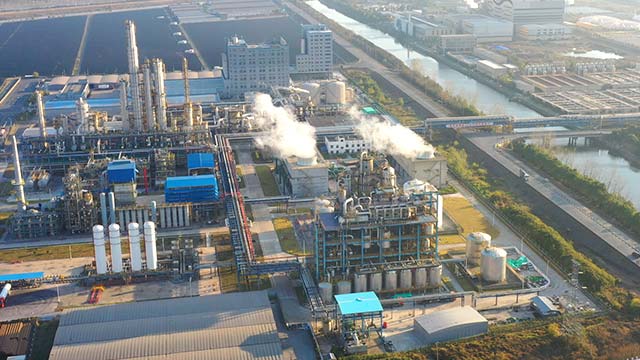

EarthCam Air combines EarthCam's powerful construction cameras with drone geospatial imagery services for insightful documentation. Easily view drone data from computer-guided flights over jobsites.

 Integrate 3D/4D Models
Align real-time imagery with Revit, Navisworks, Sketchup, and Bentley SYNCHRO BIM models. View live-streaming jobsite cameras or 360° VR photography in relation to your 3D or 4D model.
Learn more about EarthCam 3D and EarthCam 4D

 360° Reality Capture - VR Site Tour
Capture cost-effective, detailed images of interior build-outs with ease. One 360° photo captures all four walls, floor and ceiling.
Learn more about VR Site Tour